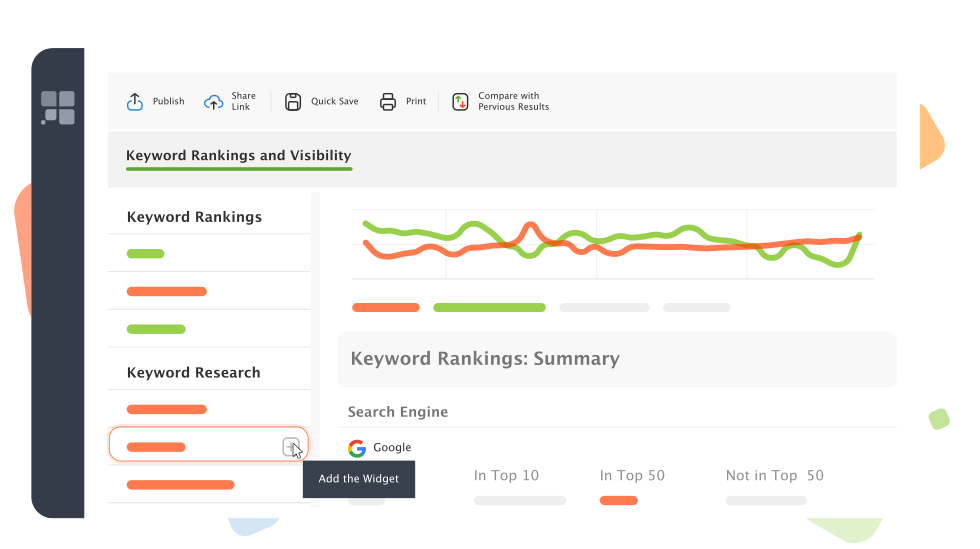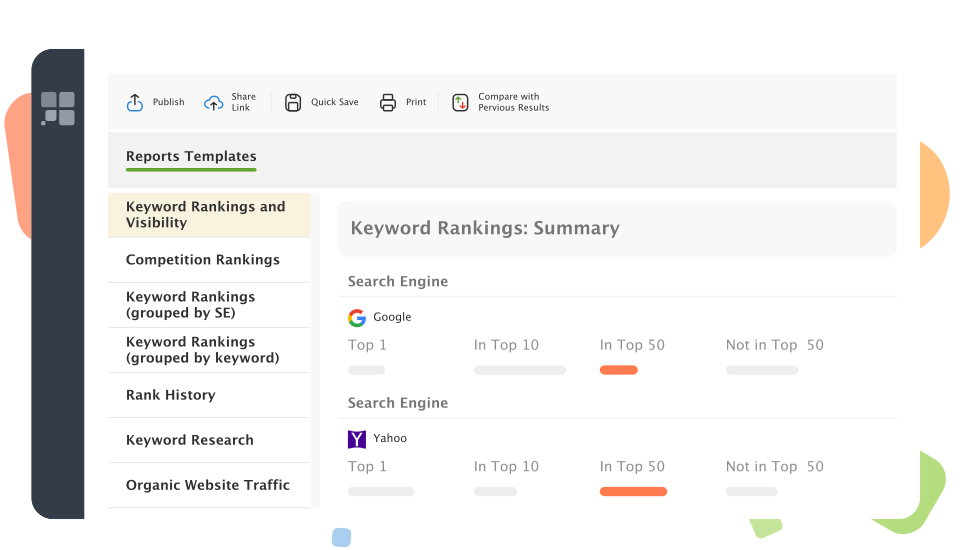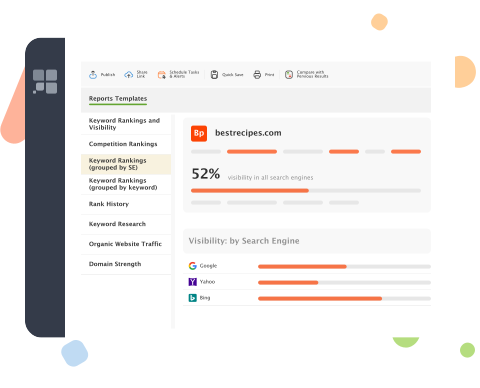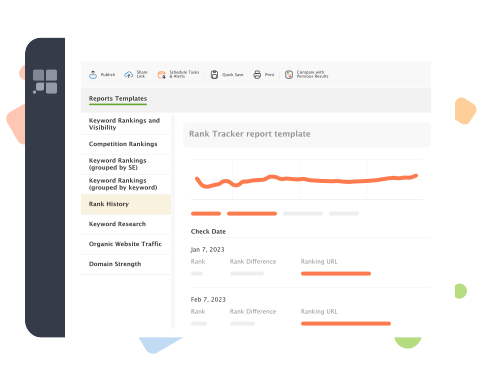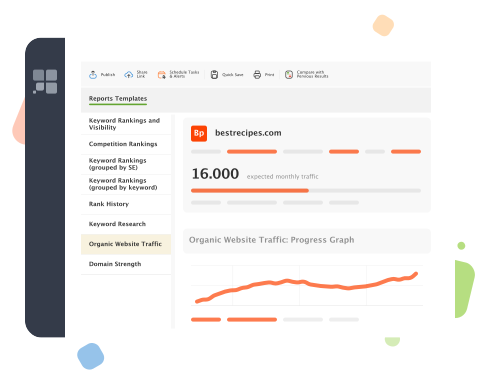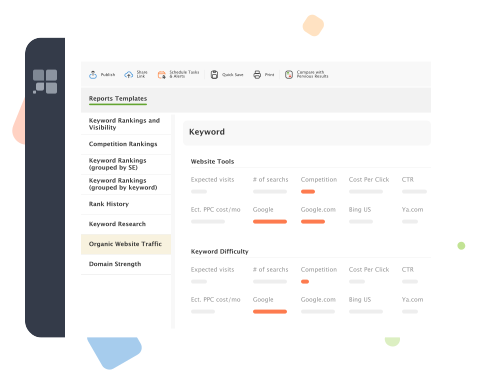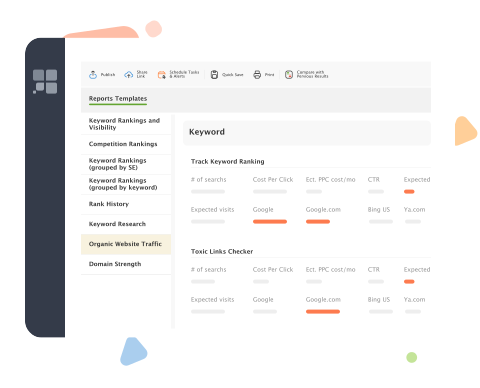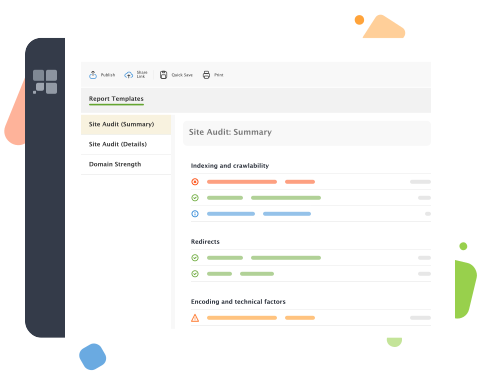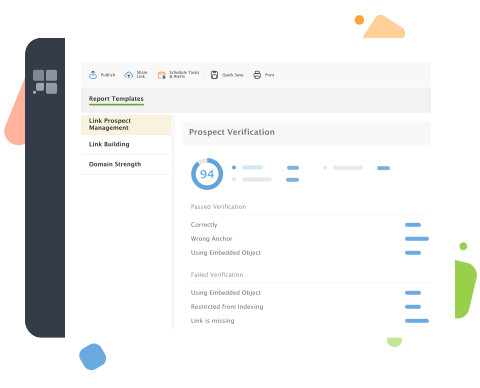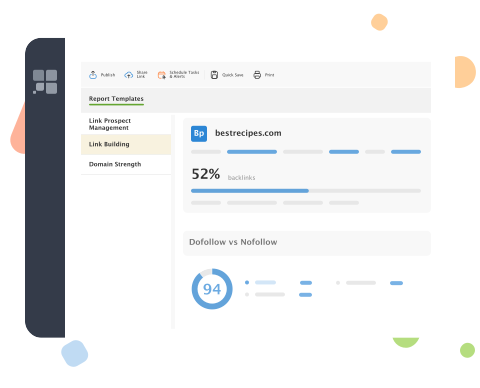
Fit all SEO PowerSuite reports just to your needs and likings!
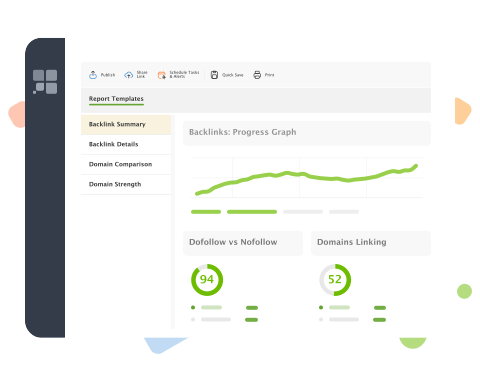
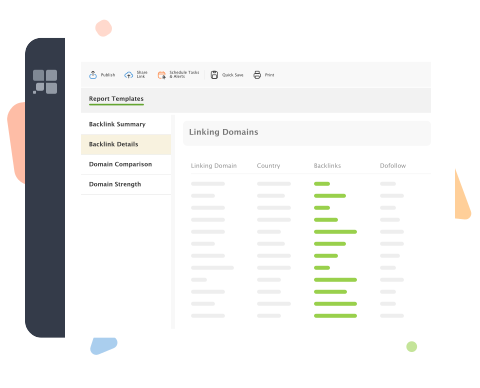
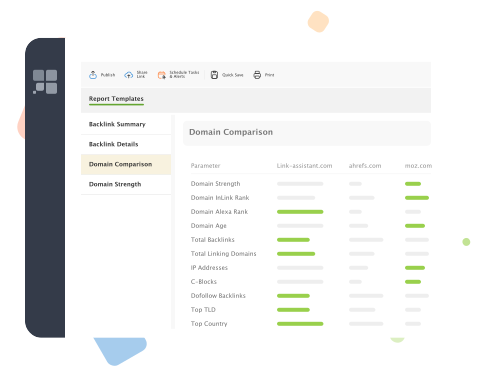
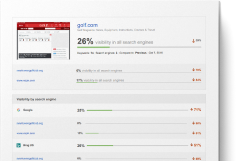
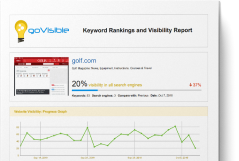
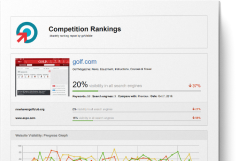
All ready-made report templates in your SEO PowerSuite are based on the best SEO practices. The data included is refined to the utmost in line with real-world experience of hundreds of individual SEOs and SEO companies. We even hired a first-class designer to create the graphics and the layout, so that every report would be nothing short of stunning.
That's why the report templates just as they are will perfectly suit you. Yet the beauty is that if ever needed, you can tweak and customize any detail in them: logo, colors, the report sections and search engines data to include, introductory texts, and pretty much everything else.
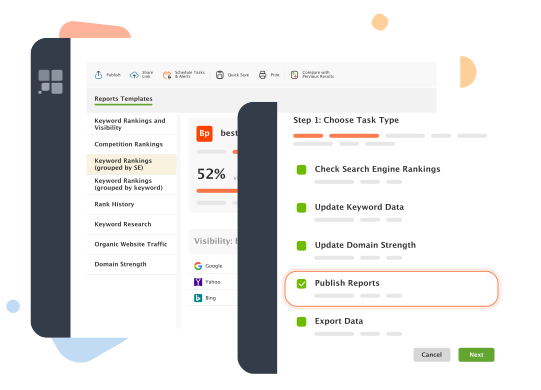
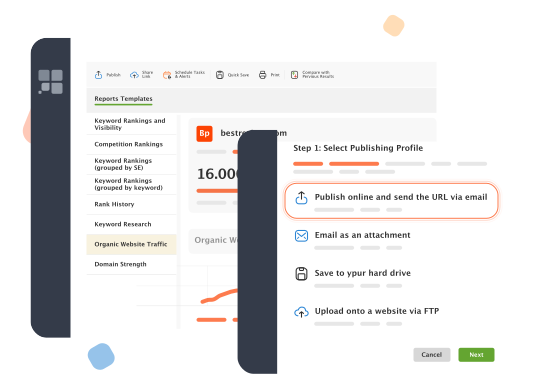
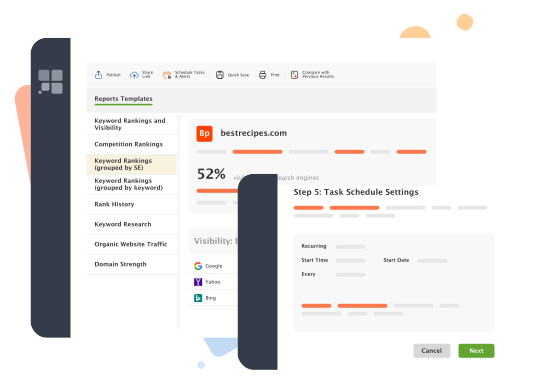
And as with all other tasks in SEO PowerSuite, easy and understandable wizards lead you through the whole process by the hand. So it won't take more than a minute to shape up your paragon of an SEO report, editing an existing template or creating a new one from scratches.

SEO Report: setting up the contents
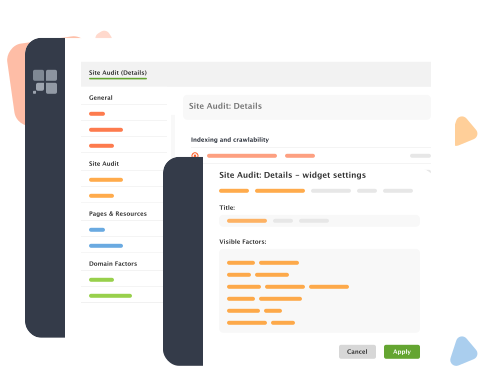
First and foremost, it's you who's at the driver's seat when it comes to the contents of your reports. You can:
- Include or exclude any report sections
- Add introductory and final words or any comments you find fitting
- Choose the analytical data you want to include and so on
This way you pick only the data relevant to you or your clients right now, and it's up to you whether the report you generate is a one-page overview or an under-the-microscope SEO analysis some 50 pages long.
SEO Report: branding with company logo
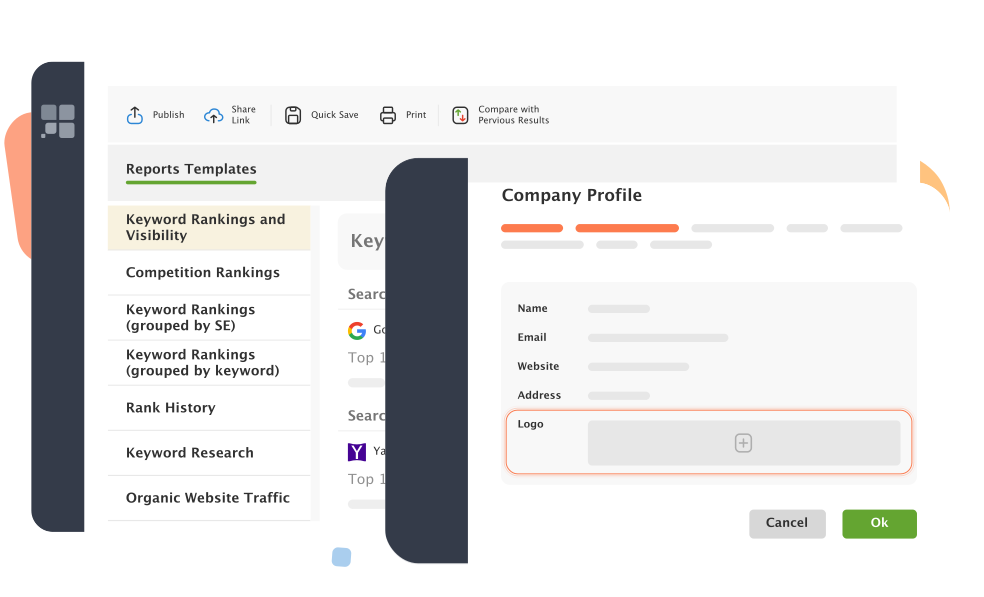
For ultimate personalization, in SEO PowerSuite you can easily brand SEO reports with your logo. Thus, the reports become your company's representative products that match the brand and raise your professional authority. All you have to do is quickly upload the logo once and use it on all SEO reports you generate.
SEO Report: choosing the colors
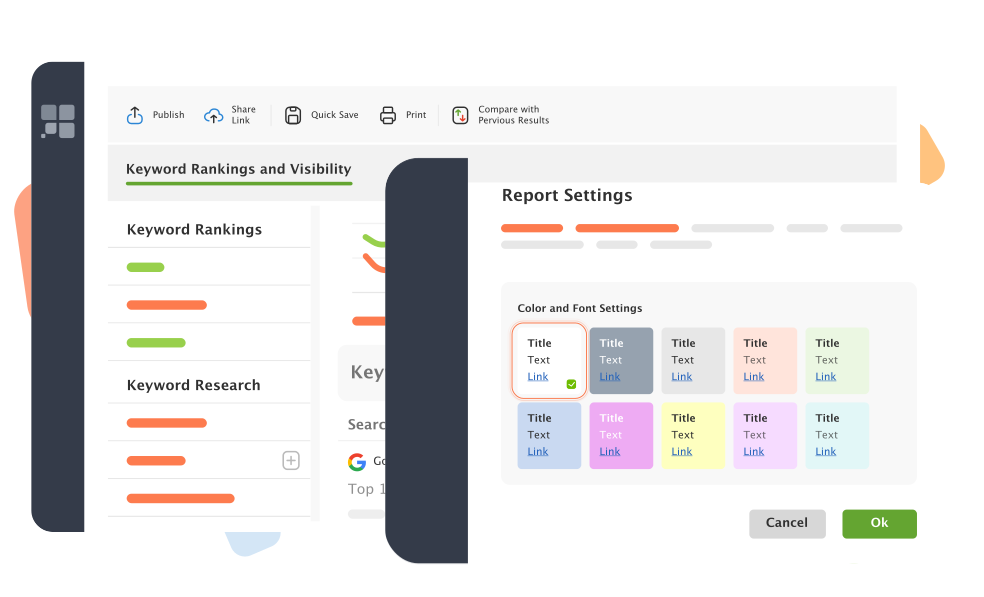
SEO PowerSuite lets you generate your reports in any color range to personalize them and enhance their visual quality. You can choose from numerous eye-candy color schemes, all developed by a professional designer. Pick up what suits you most — formal black, modest blue, catchy green, or else. When setting the colors, you can easily preview the report with those colors applied.

SEO Report: setting languages
One of the greatest things is that all SEO PowerSuite reports are multilingual. You can create your reports not only in English, but in many other languages: German, Spanish, Russian, French, and Dutch. This way you can enjoy the reports in your native tongue or generate them in different languages for your SEO clients from overseas.
What's more, even if the reports are not yet translated into the language you need, there's nothing to it to translate the templates yourself in a handy in-built localization tool. But don't forget to check our report template gallery first, to see if somebody has already done the translation and shared it with you.
Editing reports' HTML code
All the mentioned earlier options are just the things you do in an instant, using handy and clear wizards! No HTML knowledge required.
But there are even more opportunities if you have at least smallest idea of what stands behind all those HTML tags. Just switch over to the template's code and you're free to change anything: every single letter and indent!
And don't miss our free user-powered report templates gallery!
This is where fellow SEO PowerSuite users share the report templates they create putting their hearts and souls (and priceless real-life SEO experience) into them. Make use of this ever-growing collection and share your own templates with others, to get credit as an author and invite others to your site through a link from our gallery.
Itching to start making up highly personalized SEO reports that match your brand and style? Grab SEO PowerSuite right now.